Blog, Telephone system
Yeastar Synchronize Phone Time with the PBX
You can synchronize the users’ phone time with the PBX via Auto Provisioning function. You can also manually set the phone’s NTP server as your PBX’s time; the phone time will be synchronized to your PBX. Note: Only the phone that were registered to the PBX via auto provisioning can auto provision the phone time.
- Go to Auto Provisioning > Device List, select the desired phone(s) and edit.
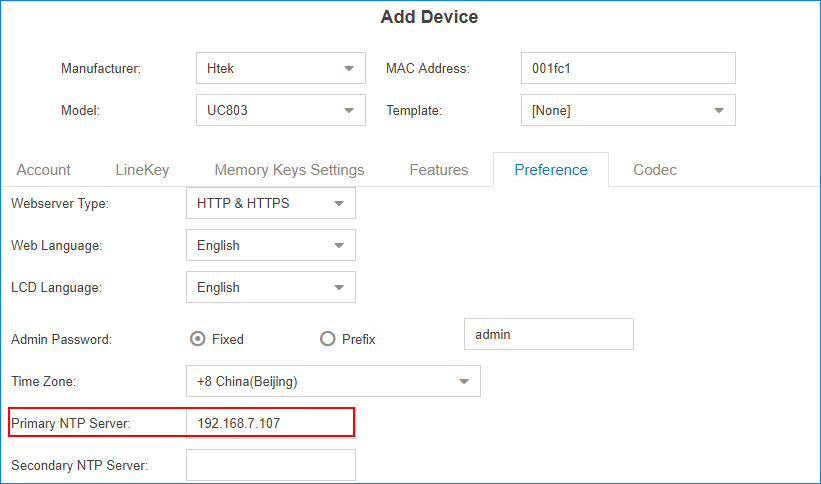
- On the configuration page, click Preferences tab.
- Set the Primary NTP Server as IP address of your PBX.

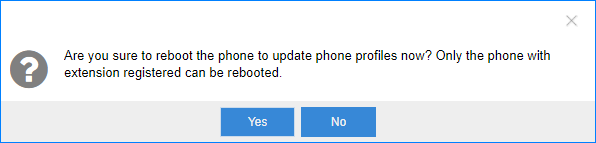
- Click Save.The following dialog box appears.

- Click Yes to reboot the phone(s) and synchronize the phone time with the PBX.