
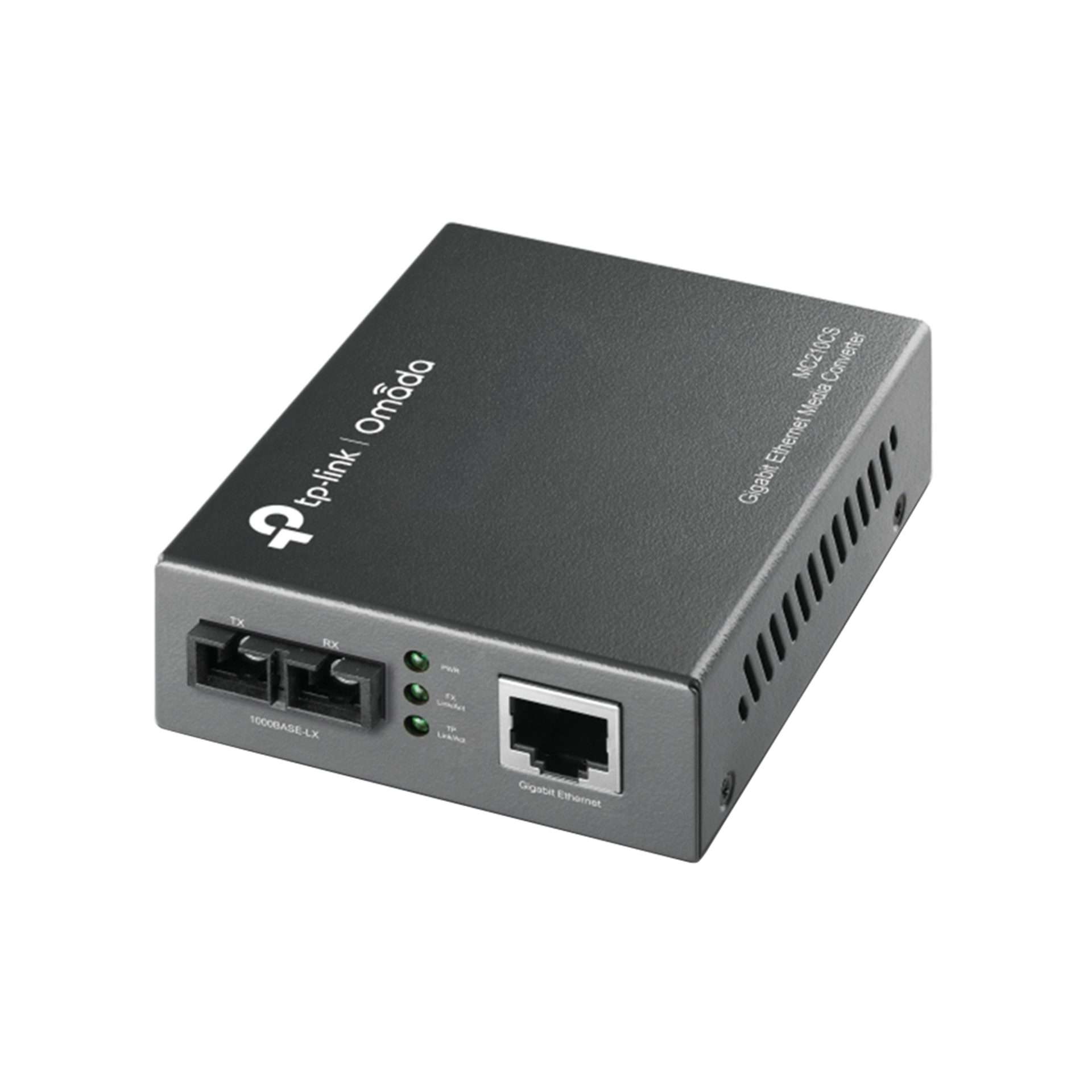
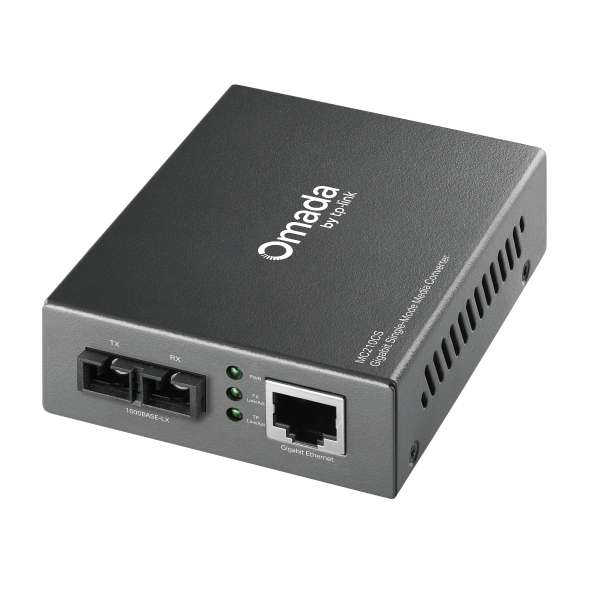
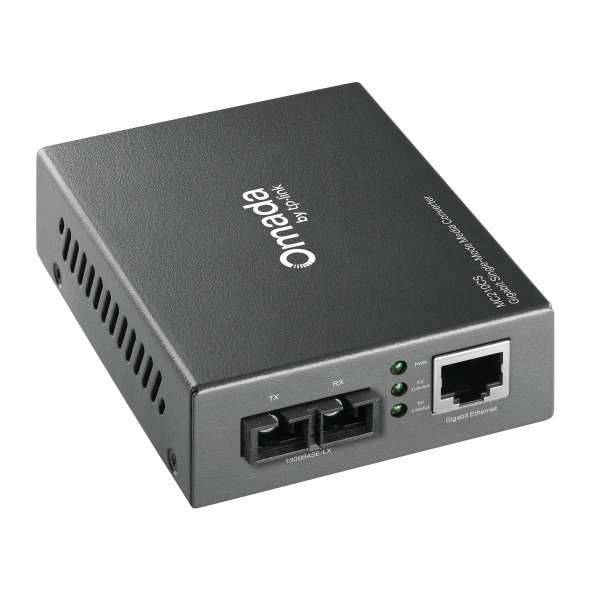
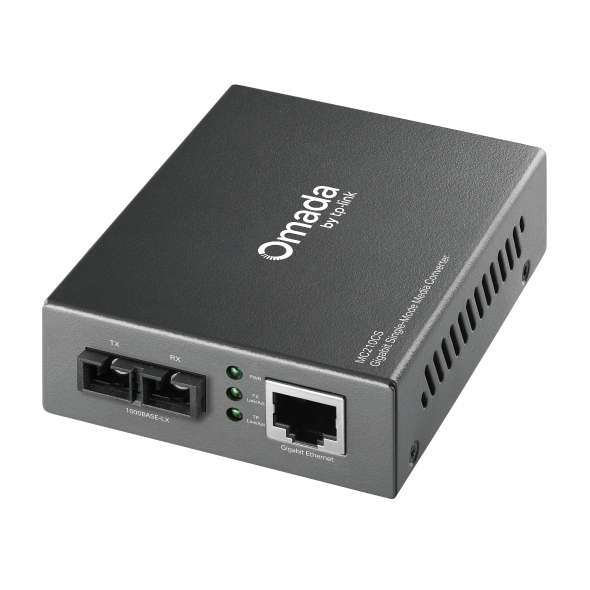
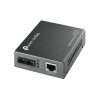
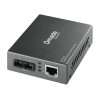
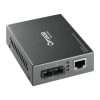
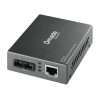
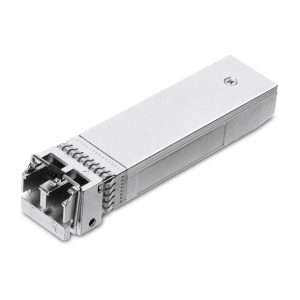
TP-Link MC210CS Gigabit Single-Mode Media Converter
KSh6,500.00 Excl. Tax
The TP-Link MC210CS Gigabit Single-Mode Media Converter converts 1000Base-T copper Ethernet to 1000BASE-LX single-mode fibre, supports transmission distances up to 15 km, and offers standalone or chassis-based deployment for flexible network expansion.
Genuine product Secure checkout Warranty and order support Discounted Prices
TP-Link MC210CS Gigabit Single-Mode Media Converter
The TP-Link MC210CS Gigabit Single-Mode Media Converter helps you connect copper and fibre networks with ease. It converts Gigabit Ethernet signals between 1000BASE-T copper and 1000BASE-LX single-mode fibre. As a result, it supports smooth communication across long distances. Therefore, it works well for businesses, campuses, surveillance systems, and other setups that need reliable Gigabit links.
Product Overview
The TP-Link MC210CS converts signals between IEEE 802.3ab 1000Base-T copper Ethernet and IEEE 802.3z 1000Base-LX single-mode fibre. It uses an SC fibre connector and runs at a wavelength of 1310 nm for both sending and receiving data. Because of this, it delivers stable Gigabit performance over long distances.
In addition, the converter supports full wire-speed forwarding. This means it keeps network speed high without slowing down traffic. You can use it as a standalone unit. Alternatively, you can install it in the TP-Link TL-MC1400 chassis. As a result, it fits both small and large network setups.
Key Features
- Converts 1000BASE-LX single-mode fibre to 1000Base-T copper Ethernet, so fibre and copper networks can work together.
- Follows IEEE 802.3ab 1000Base-T and IEEE 802.3z 1000Base-LX standards for wide compatibility.
- Uses an SC fibre connector, which ensures stable single-mode fibre connections.
- Operates at 1310 nm, so it can send and receive data over single-mode fibre.
- Supports full wire-speed forwarding, which helps maintain fast network performance.
- Extends fibre links up to 15 km, making it ideal for long-distance connections.
- Includes Auto MDI/MDI-X on the RJ45 port, so you do not need to worry about cable type.
- Features front-panel LED indicators, which make it easy to check power and network status.
- Works as a standalone unit or inside the TP-Link TL-MC1400 chassis, giving you flexible setup options.
Technical Specifications
- Brand: TP-Link
- Model: MC210CS
- Product Type: Gigabit Single-Mode Media Converter
- Copper Standard: IEEE 802.3ab 1000Base-T
- Fibre Standard: IEEE 802.3z 1000Base-LX
- Fibre Connector: SC
- Fibre Type: Single-Mode
- Operating Wavelength: 1310 nm
- Transmission Distance: Up to 15 km
- Forwarding Mode: Full Wire-Speed Forwarding
- RJ45 Feature: Auto MDI/MDI-X
- Status Indicators: Front-Panel LEDs
- Deployment Options:
- Standalone Operation
- Compatible with TP-Link TL-MC1400 Chassis
Common Applications
The MC210CS works well in many environments. For example, you can use it in enterprise networks, schools, surveillance systems, and industrial sites. It is especially useful when you need to extend copper Ethernet over long fibre links. In addition, it helps connect remote buildings, network cabinets, and backbone systems while keeping Gigabit speeds.
Why Choose This Product?
The TP-Link MC210CS offers a simple way to connect copper and fibre networks. It supports long-distance fibre links while keeping high performance. Moreover, it follows standard protocols, so it works with many devices. You can also choose between standalone use or chassis installation. Because of this flexibility, it adapts easily as your network grows.
FAQs
1. What is the TP-Link MC210CS used for?
The MC210CS converts Gigabit Ethernet signals between 1000Base-T copper and 1000BASE-LX single-mode fibre. As a result, it allows both network types to work together.
2. What type of fibre does the converter support?
It supports single-mode fibre with an SC connector. In addition, it follows the IEEE 802.3z 1000BASE-LX standard.
3. What is the maximum fibre transmission distance?
It supports distances of up to 15 kilometres over single-mode fibre. Therefore, it is suitable for long-range connections.
4. Can the MC210CS be installed in a chassis?
Yes, you can use it as a standalone unit. Alternatively, you can install it in the TP-Link TL-MC1400 chassis for larger setups.
5. Does the converter support automatic cable detection?
Yes, it supports Auto MDI/MDI-X on the RJ45 port. Because of this, it detects the correct cable type automatically.
Also Check:
Related products

POE Injector

TP-Link Switches
Media Converter