
TP-Link AC1900 MU-MIMO Archer C86 Dual-Band Wi-Fi Router
KSh6,000.00 Excl. Tax
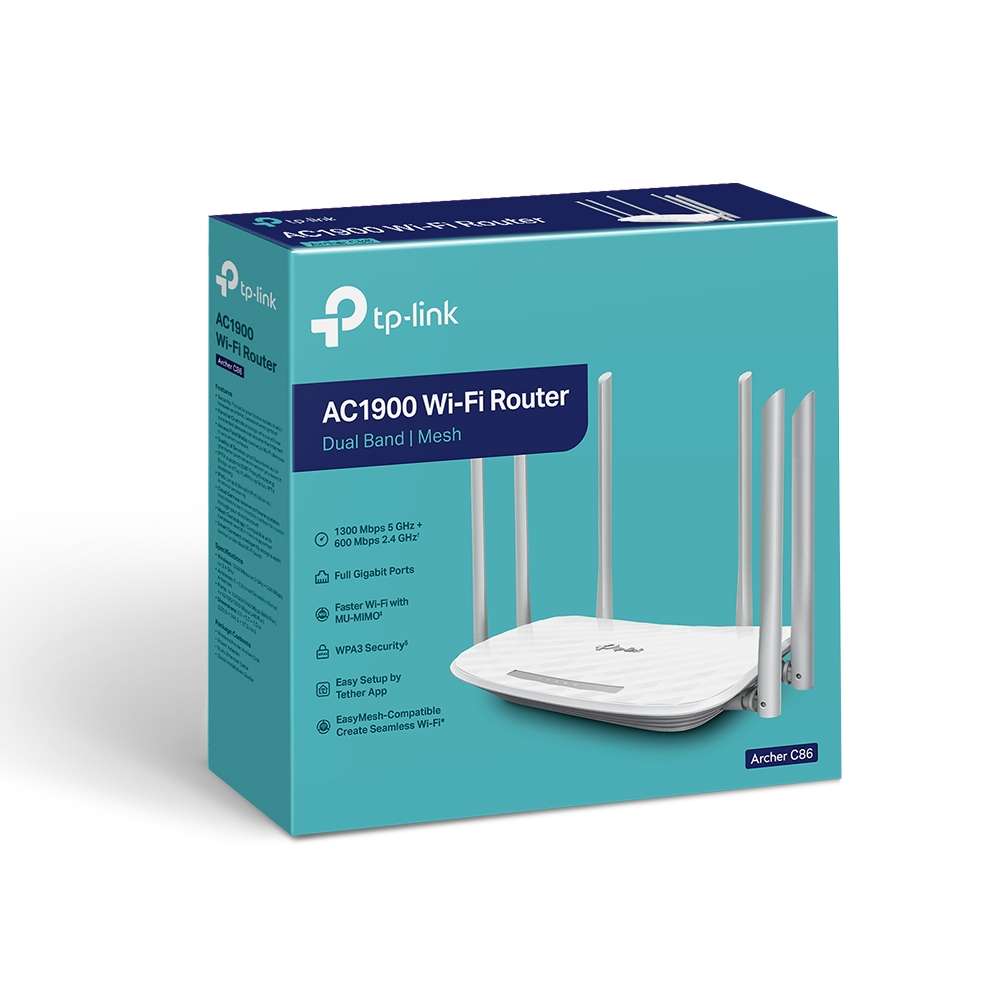
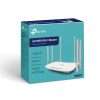
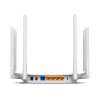
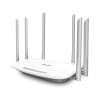
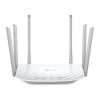
The TP-Link AC1900 MU-MIMO Archer C86 Dual-Band Wi-Fi Router provides speeds up to 1,900 Mbps, six fixed antennas, 3×3 MIMO, MU-MIMO, WPA3, mesh support, and five Gigabit ports. It suits homes and small offices that need fast wired and wireless network access.
Genuine product Secure checkout Warranty and order support Discounted Prices
TP-Link AC1900 MU-MIMO Archer C86 Dual-Band Wi-Fi Router
The TP-Link Archer C86 Router provides fast dual-band Wi-Fi for homes and small offices. It delivers up to 1,900 Mbps across the 2.4 GHz and 5 GHz bands. Therefore, users can browse, stream, play online games, and connect many devices. It also includes six fixed antennas, five Gigabit ports, and simple tools for managing network access.
Product Overview
The Archer C86 offers up to 600 Mbps on 2.4 GHz and 1,300 Mbps on 5 GHz. As a result, users can place basic tasks on one band and high-data tasks on the other.
Moreover, 3×3 Multiple-Input Multiple-Output technology sends and receives data through three streams. Multi-User Multiple-Input Multiple-Output also helps the router serve several supported devices at once. Meanwhile, beamforming directs Wi-Fi signals toward connected devices.
The TP-Link Archer C86 Router supports router and access point modes. In addition, it works with EasyMesh and OneMesh products for wider home coverage.
Key Features
- AC1900 dual-band Wi-Fi provides combined speeds of up to 1,900 Mbps. Therefore, it supports web use, video, gaming, and file downloads.
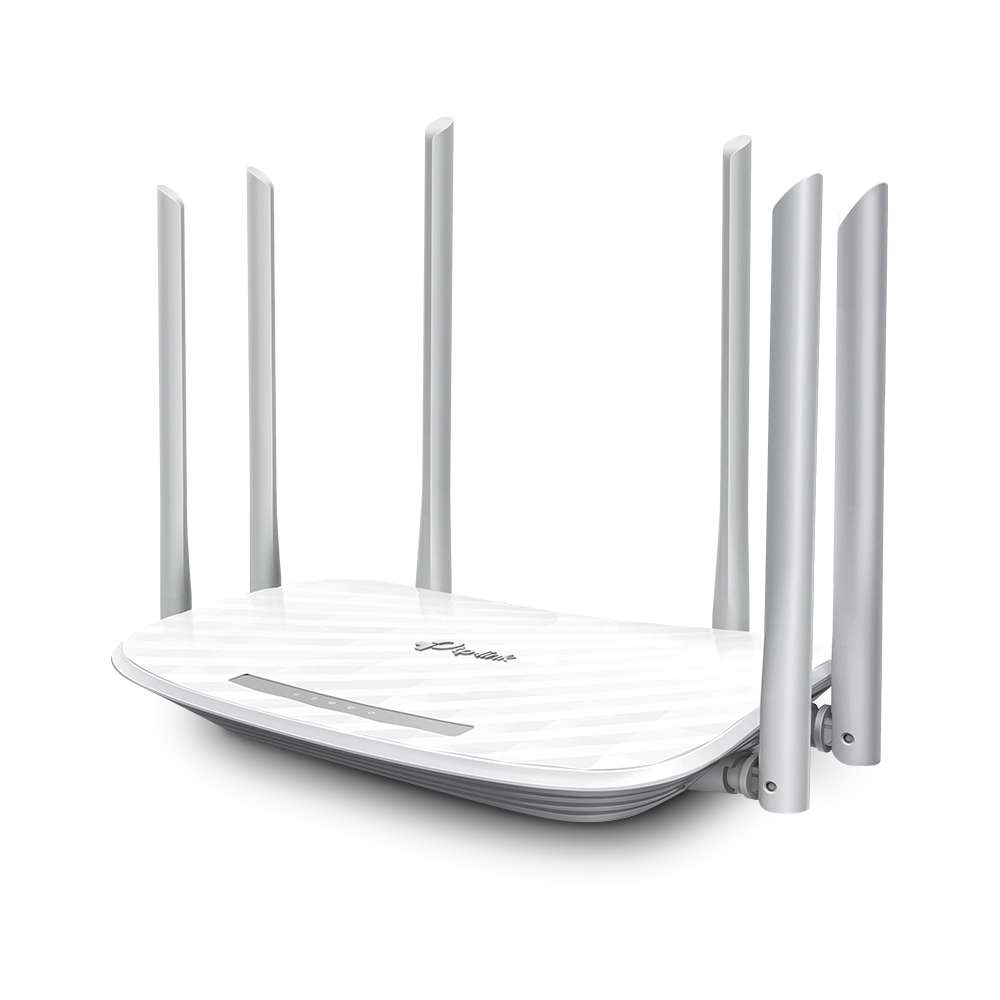
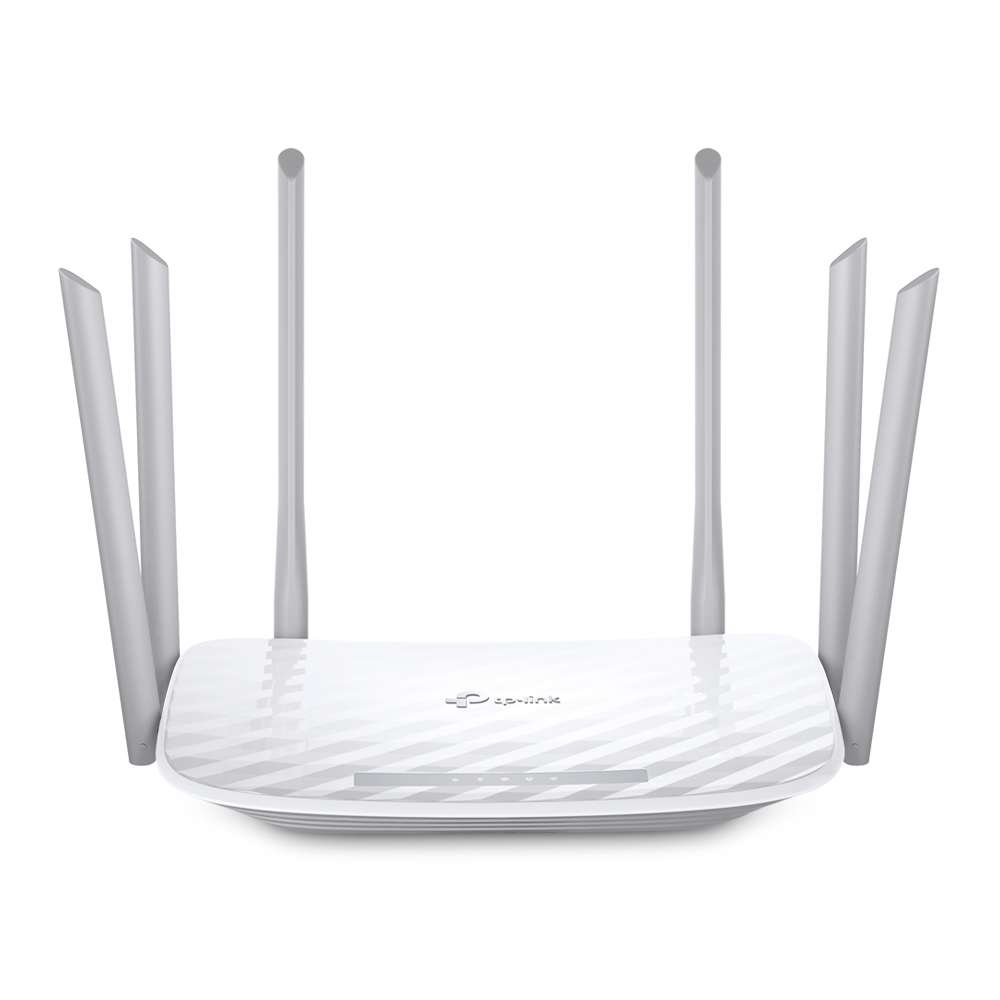
- Six fixed antennas send signals in several directions. As a result, they help extend Wi-Fi coverage around the home.
- Beamforming finds connected devices and directs the wireless signal toward them. Therefore, supported clients can receive a more focused link.
- 3×3 MIMO uses three data streams. Consequently, supported 3×3 devices can make better use of the router’s wireless link.
- MU-MIMO communicates with several supported clients at the same time. In addition, this feature helps reduce waiting between devices.
- Smart Connect places each device on a suitable Wi-Fi band. Meanwhile, Airtime Fairness stops older devices from using too much network time.
- Parental Controls help manage online time and block selected content. Moreover, Access Control can limit which devices join the network.
- A separate guest network gives visitors Wi-Fi access. Therefore, the main home network can remain separate.
Technical Specifications
- Brand: TP-Link
- Model: Archer C86
- Product type: AC1900 dual-band Wi-Fi router
- Wi-Fi class: Wi-Fi 5
- 5 GHz speed: Up to 1,300 Mbps
- 2.4 GHz speed: Up to 600 Mbps
- Wireless streams: 3×3 MIMO
- Antennas: 6 fixed external antennas
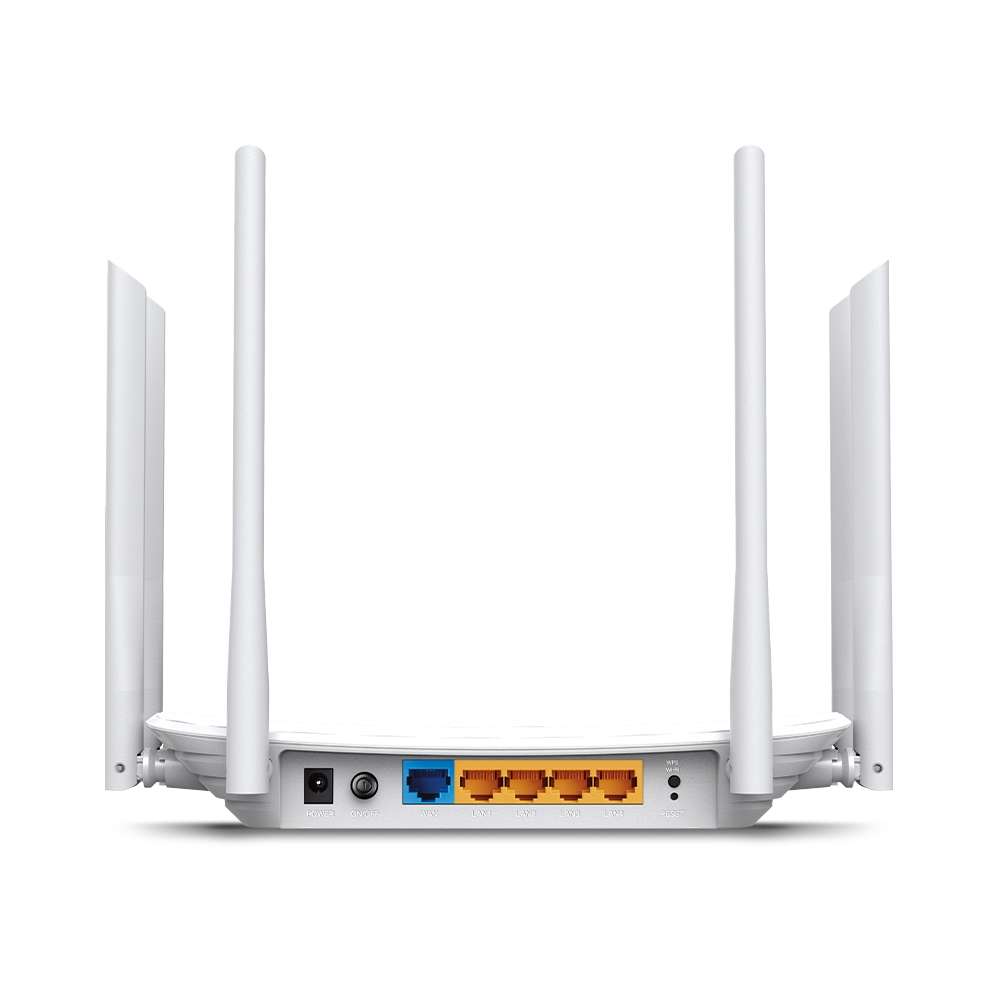
- Ethernet ports: 1 Gigabit WAN and 4 Gigabit LAN
- Working modes: Router mode and access point mode
- Wi-Fi security: WPA, WPA2, WPA3 and WPA/WPA2-Enterprise
- Internet protocols: IPv4 and IPv6
- Mesh support: EasyMesh and OneMesh
- Guest networks: One for each Wi-Fi band
- Dimensions: 229.9 × 144.2 × 37.2 mm
- Working temperature: 0°C to 40°C
- Package contents: Router, power adapter, Ethernet cable and setup guide
Common Applications
The TP-Link Archer C86 Router suits homes, apartments, and small offices with several wired and wireless devices. For example, its Gigabit ports can connect computers, televisions, game consoles, and storage devices. Meanwhile, dual-band Wi-Fi serves phones, tablets, and laptops.
Why Choose This Product?
The Archer C86 combines dual-band Wi-Fi, Gigabit wired ports, and simple network tools. Therefore, users can manage both wired and wireless devices from one router. Moreover, the mobile app and web page make setup and daily control easier. Its mesh support also allows users to extend coverage with supported devices when needed.
Frequently Asked Questions
Does the Archer C86 support Wi-Fi 6?
The router uses Wi-Fi 5 standards. However, it provides AC1900 dual-band speeds across 2.4 GHz and 5 GHz.
Can the Archer C86 work as an access point?
Access point mode allows the router to add Wi-Fi to an existing wired network. Therefore, users can select this mode when routing is handled by another device.
Does the Archer C86 support mesh Wi-Fi?
The router supports EasyMesh and OneMesh. As a result, users can build wider coverage with other supported mesh devices.
How many Gigabit Ethernet ports are available?
The router has one Gigabit WAN port and four Gigabit LAN ports. Therefore, four local wired devices can connect directly.
Also Check:
Related products


TP-Link Routers

TP-Link Routers


TP-Link Routers